About this free template
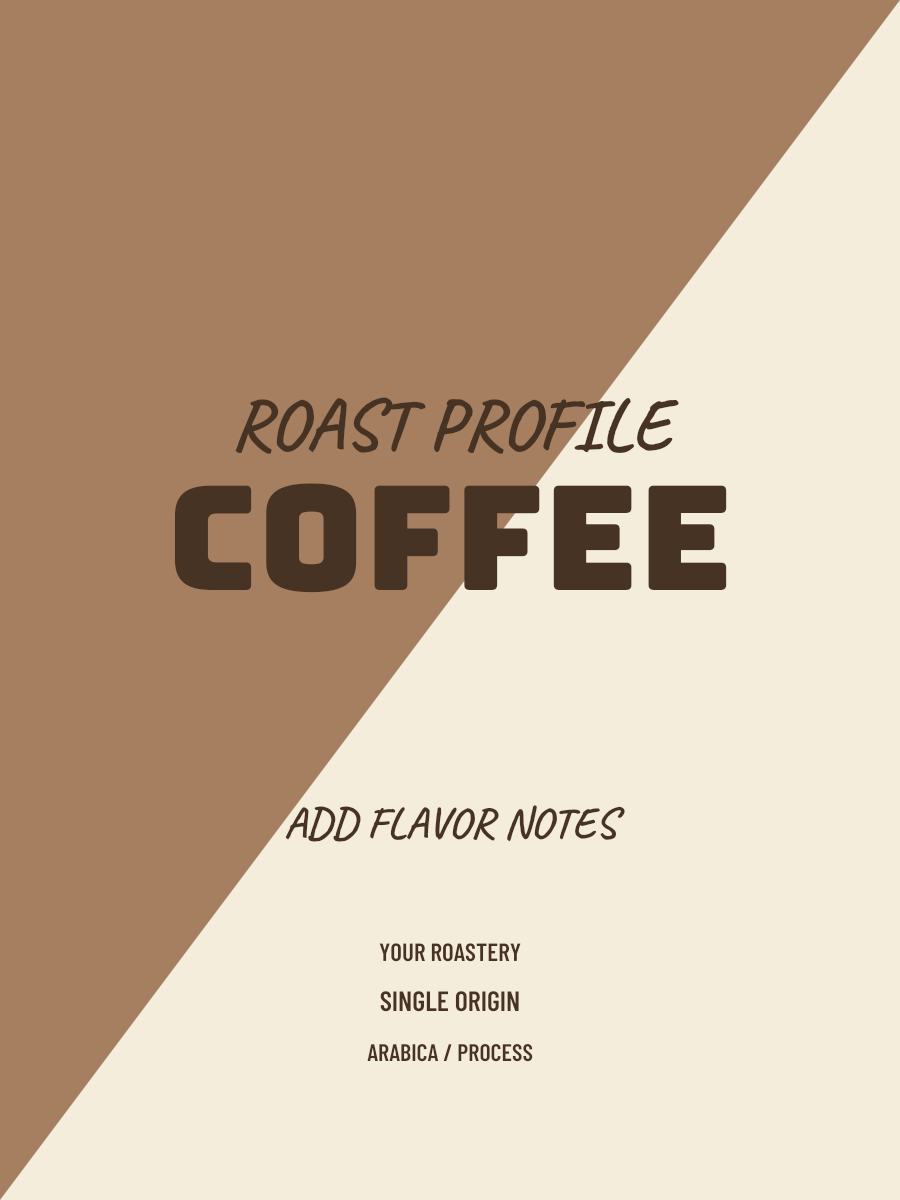
Brown Two Tone Coffee Label
Brown Two Tone gives the diagonal-split layout a warm neutral palette. Its large block title and handwritten accents create a different hierarchy from the framed house-blend and ticket templates.
Choose it when you prefer an earthy color starting point with a strong typographic title. The background does not determine roast level; use the roast field to describe the actual coffee.
Editing tips for this layout
- Keep the title short so it does not obscure the diagonal composition.
- Compare the green version if you want the same layout with a cooler starting palette.
Customize and download
- Replace the sample brand, coffee name, origin, roast and tasting notes with your coffee’s actual details.
- Choose colors and an available type style, then review the label preview for crowded or missing text.
- Download a digital 3:4 PNG. Guests get a watermarked 900 × 1200 image; sign in for a clean 1800 × 2400 image and Workspace saving. No Credits are used.
How does this differ from the brown house blend template?
Brown Two Tone uses a diagonal split and handwritten accents. Brown House Blend uses a clear headline and an inset roast panel. Both let you edit coffee facts and colors.
Can I print the downloaded coffee label?
The export is digital artwork. Confirm physical dimensions, bleed, resolution and file format with your printer before printing. This editor does not provide PDF, a dieline or a print-ready certification.