About this free template
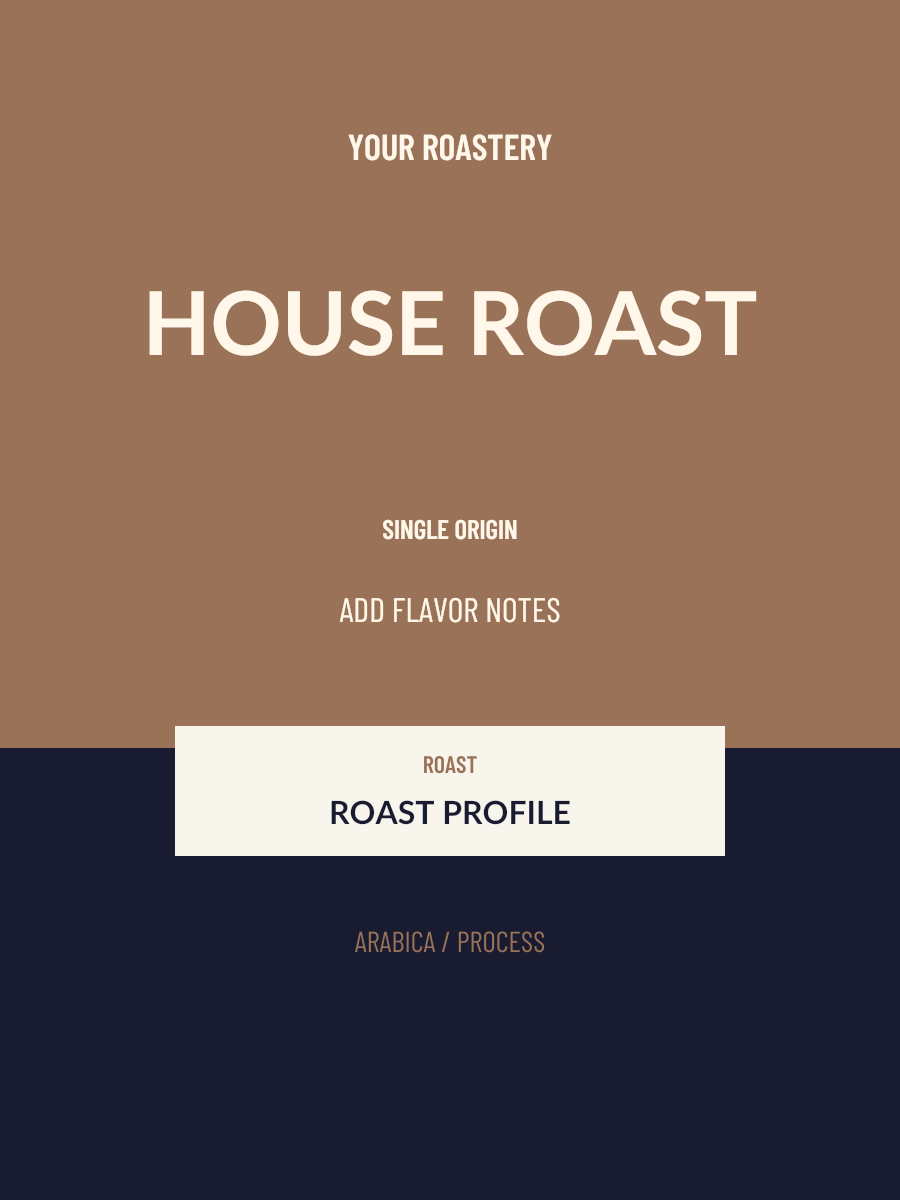
Brown House Blend Coffee Label
Brown House Blend combines a cream headline with a warm brown background and an inset roast panel. It shares the house-roast layout with the red version, offering a quieter starting palette for the same coffee information.
Choose brown for a house coffee when you want the label’s color to sit behind the name and roast details. The color is a design choice and does not indicate roast level, flavor or packaging material.
Editing tips for this layout
- Enter the real roast profile in the roast field instead of implying it through the background color.
- Keep blend and origin details separate so the headline stays legible.
Customize and download
- Replace the sample brand, coffee name, origin, roast and tasting notes with your coffee’s actual details.
- Choose colors and an available type style, then review the label preview for crowded or missing text.
- Download a digital 3:4 PNG. Guests get a watermarked 900 × 1200 image; sign in for a clean 1800 × 2400 image and Workspace saving. No Credits are used.
How is Brown House Blend different from Red House Roast?
The two templates use the same layout family with different default colors. Choose the palette that fits your brand; both allow the same coffee-text and color edits.
Can I print the downloaded coffee label?
The export is digital artwork. Confirm physical dimensions, bleed, resolution and file format with your printer before printing. This editor does not provide PDF, a dieline or a print-ready certification.