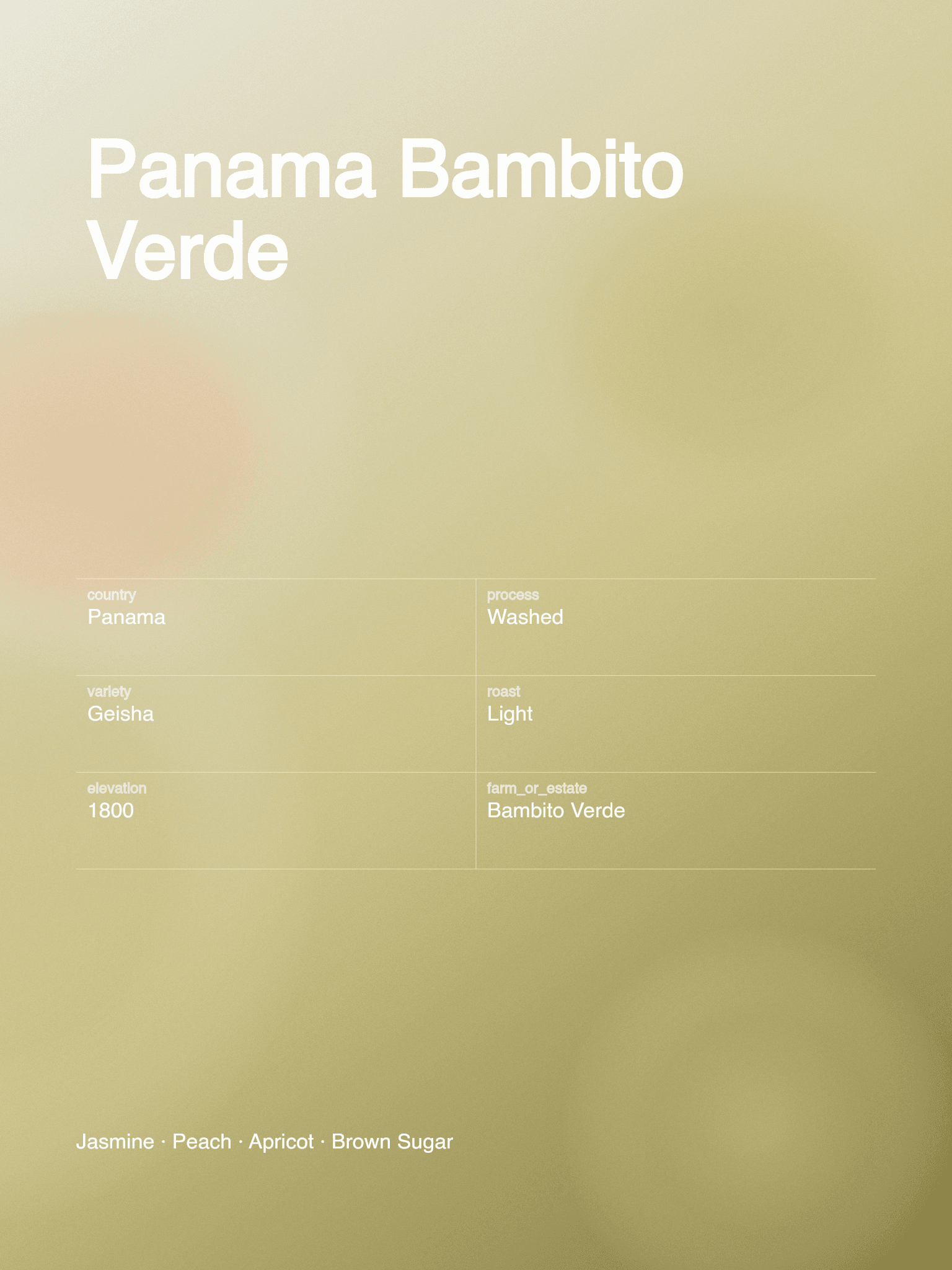
Flavor Gradient
FreeMaps your tasting notes to colors.
Create with Flavor GradientChoose a free layout to edit, or create a flavor-led design from tasting notes. Download a digital 3:4 PNG for your release page or social post.
Edit free without an account. Sign in for a free download without a watermark.
Each style uses the coffee details you provide. Any Credit cost appears before generation.
Maps your tasting notes to colors.
Create with Flavor Gradient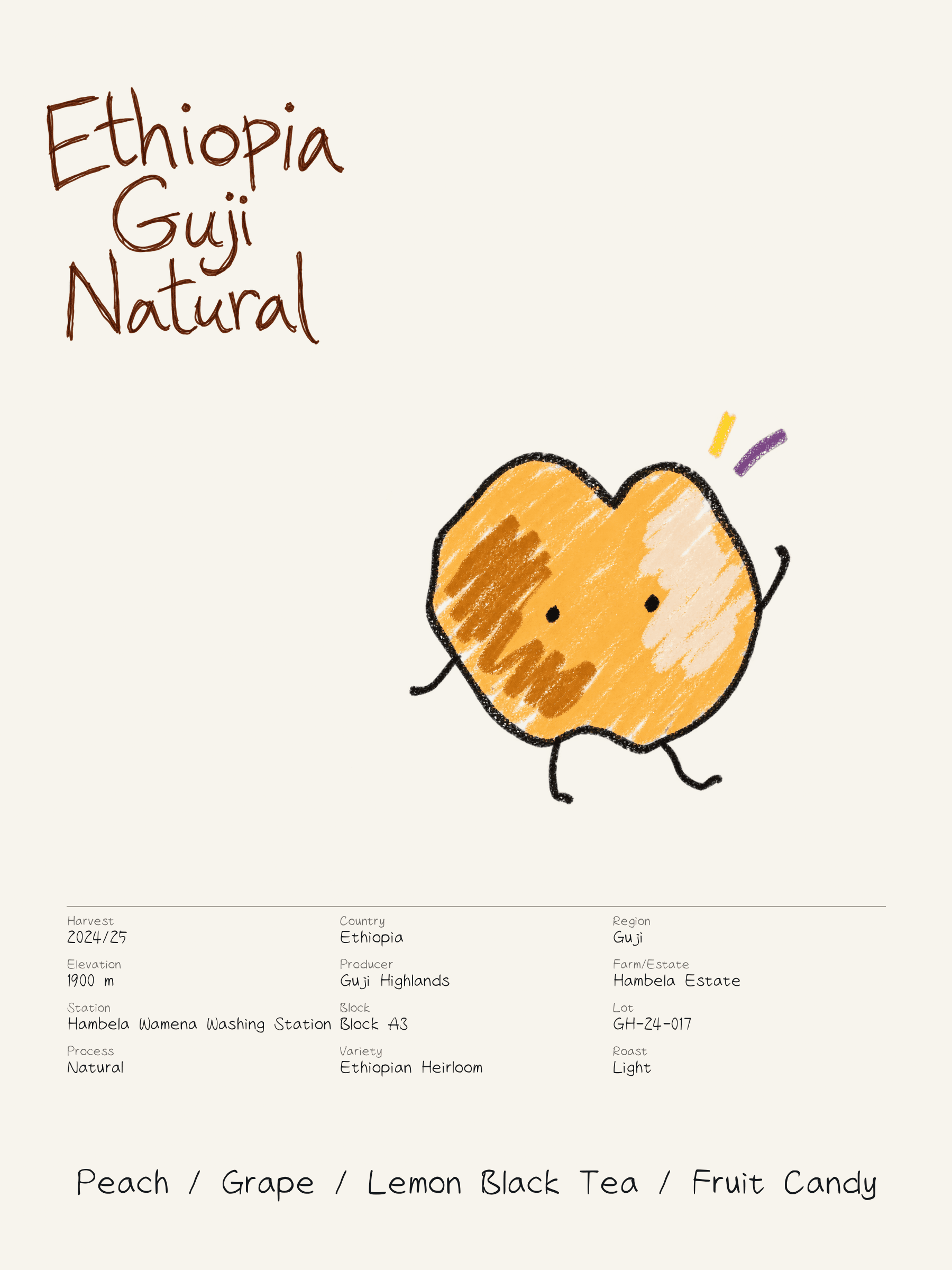
An AI flavor illustration with your coffee details.
Create with Flavor Monster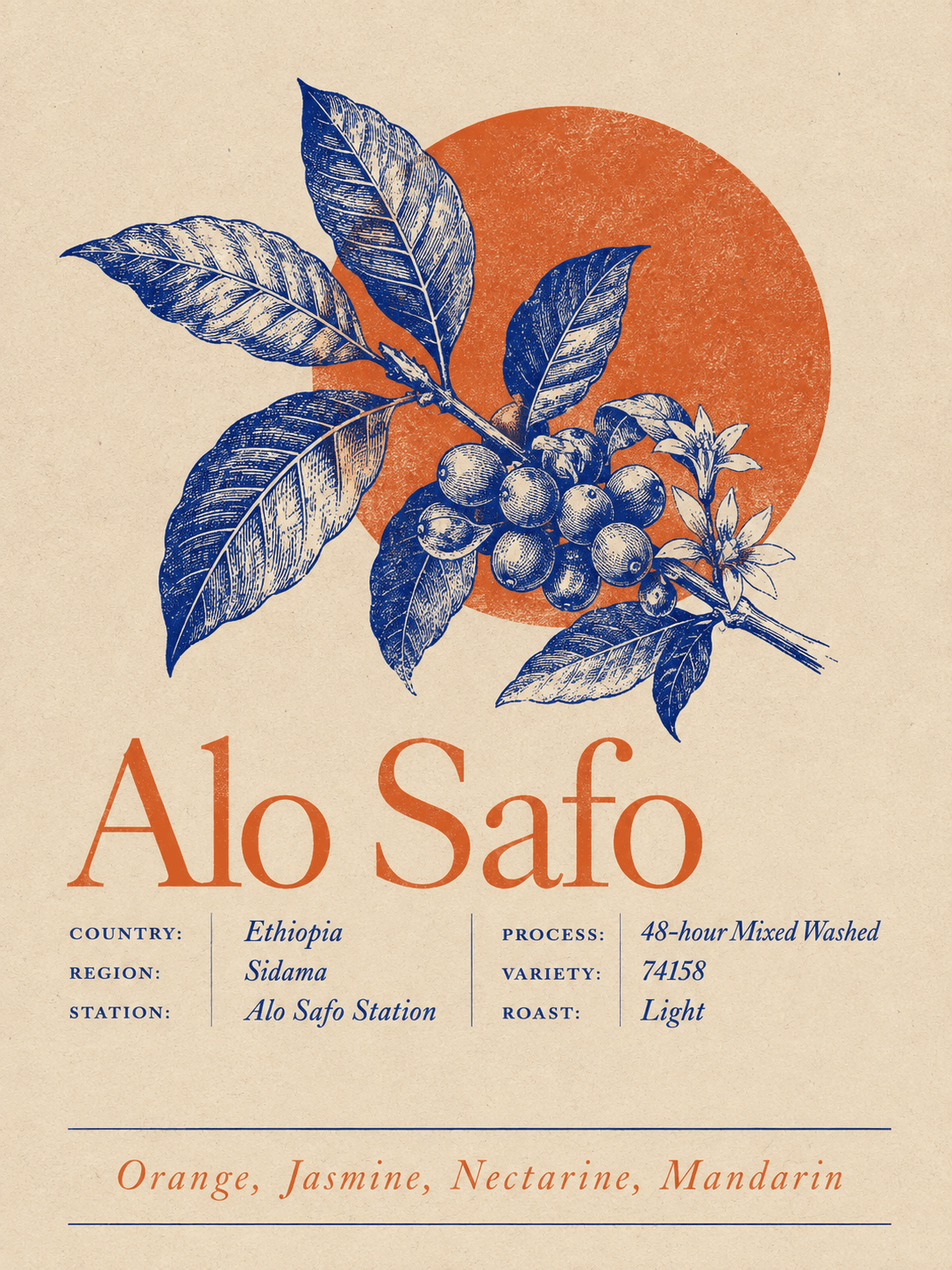
AI generates the full design.
Create with Mono ColorUse facts supplied by you or the roaster, including tasting notes.
Edit a free template or choose Gradient, Monster or Mono Color.
Guests get a watermarked PNG. Sign in for clean template and Gradient downloads and Workspace saving.
Templates and Flavor Gradient use no Credits. Guests download a watermarked PNG; sign in for a clean download and Workspace saving.
Use coffee facts and tasting notes supplied by you or the roaster. Beanloom arranges them but does not determine how a coffee tastes.
Beanloom exports digital 3:4 PNGs, not print-ready files. Confirm dimensions, resolution, bleed and file format with your printer before printing.